2025 Stroll Award Winner
Voted the Best Counseling Practice in Park Ridge, IL

2025 Stroll Award Winner
Voted the Best Counseling Practice in Park Ridge, IL

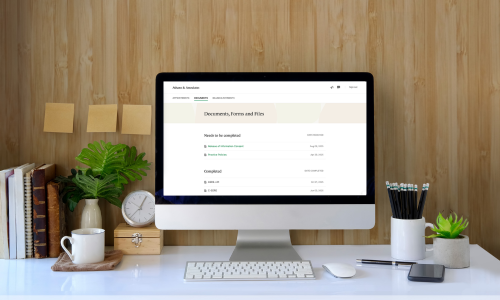
Access your client portal by selecting "I'm an Existing Client" and entering your email.

Access your appointment schedule, pay your bill and message your therapist straight from your phone.
All telehealth appointments are held through the secure, HIPAA-compliant video platform.
Enter your payment information for continuing coverage and seamless payment processing.
Upcoming appointments will be listed on the app, so you always know when you're meeting with your therapist.
Assessments, insurance and payment information, and other important documents can be sent and completed via the portal.
Reach out to your therapist to change or cancel your appointment or ask a question via the HIPAA-compliant messaging portal.
Contact Athans and Associates today at (847) 823-4444 for more information about any of our counseling services.